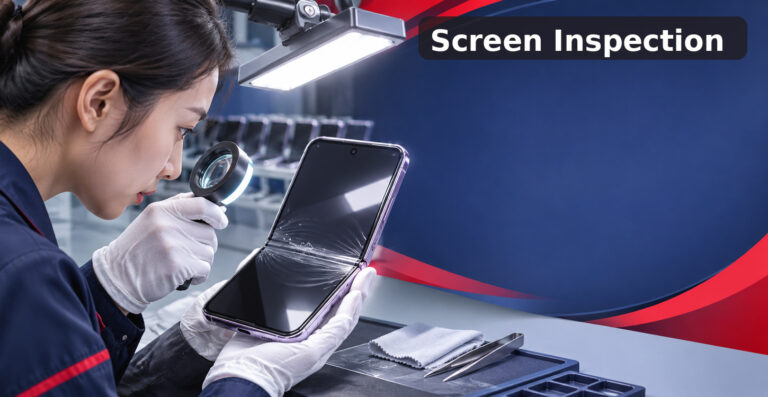
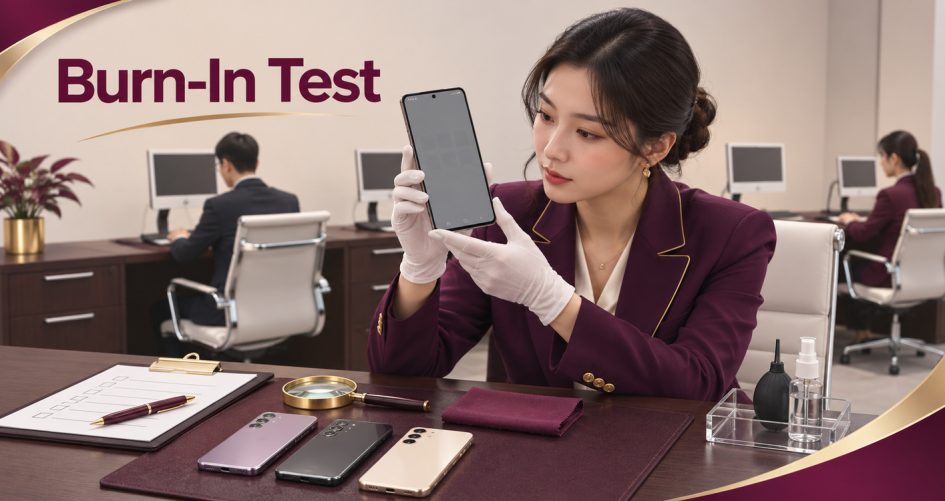
Used Samsung OLED burn in test results can change a purchase decision, yet many buyers rely on a few seller photos to judge a display. A photo can hide a faint ghost image or exaggerate a harmless tint, depending on brightness, angle and camera settings. This guide shows how to run the same screen test on every unit, with fixed images and fixed conditions, so the result does not depend on who held the phone.
Quick take: In a used Samsung OLED burn in test, use the same test images, brightness and lighting every time. Treat photos as a record of the test, not as the test itself.
Used Samsung OLED Burn In Test: Why Photos Alone Fail
A photo depends on the camera, the room and the screen setting. Two photos of the same phone can look different, and a faint mark can disappear in one and stand out in the other. In a used Samsung OLED burn in test, photos should support a hands-on check by a trained reviewer, never replace it.
Burn-in is a lasting shadow of a fixed shape, such as a navigation bar or clock. Image retention is a temporary ghost that fades. The test needs a step that tells them apart.
Step 1: Standardize the Conditions First
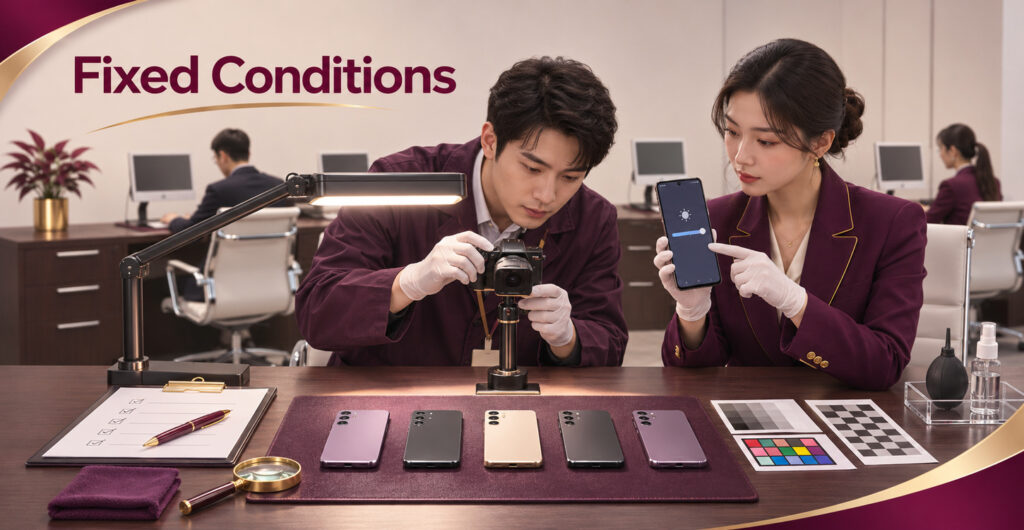
Fix these conditions before you judge any unit, and write them down so every reviewer follows them:
- Brightness set to the same manual level, with auto-brightness off.
- The same dim room lighting, with no reflections on the glass.
- The same viewing distance and angle, or a camera on a stand with locked exposure and white balance.
- The same set of test images, shown in the same order.
Step 2: Test Images for Samsung Display Ghosting Inspection
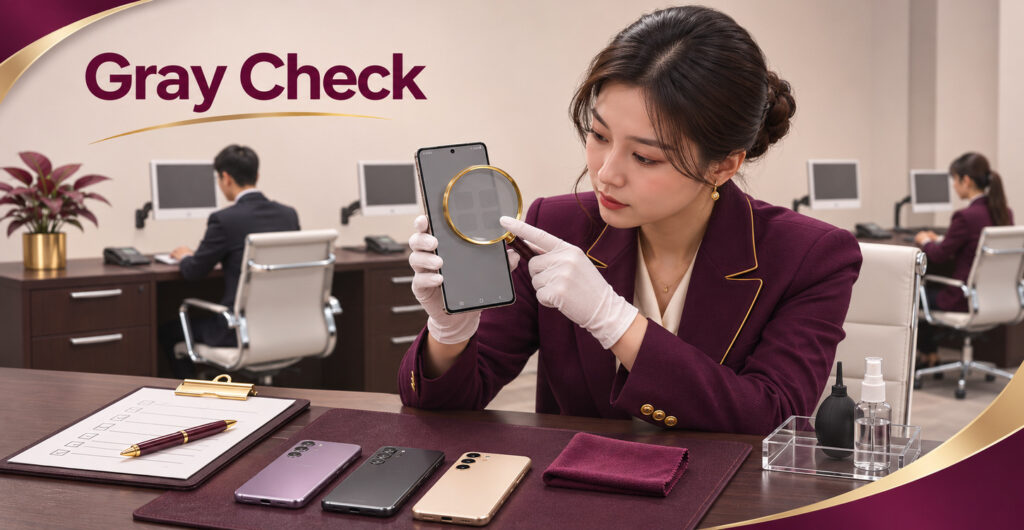
For a repeatable Samsung display ghosting inspection, load one fixed image set and cycle through it on every phone:
- Solid black, to check dead or stuck pixels and uneven dark areas.
- Solid white, to check tint, dim patches and visible shapes.
- Mid gray, the best image for faint ghost outlines and uneven brightness.
- Pure red, green and blue, to check color patches and lines.
- A smooth gradient, to check banding.
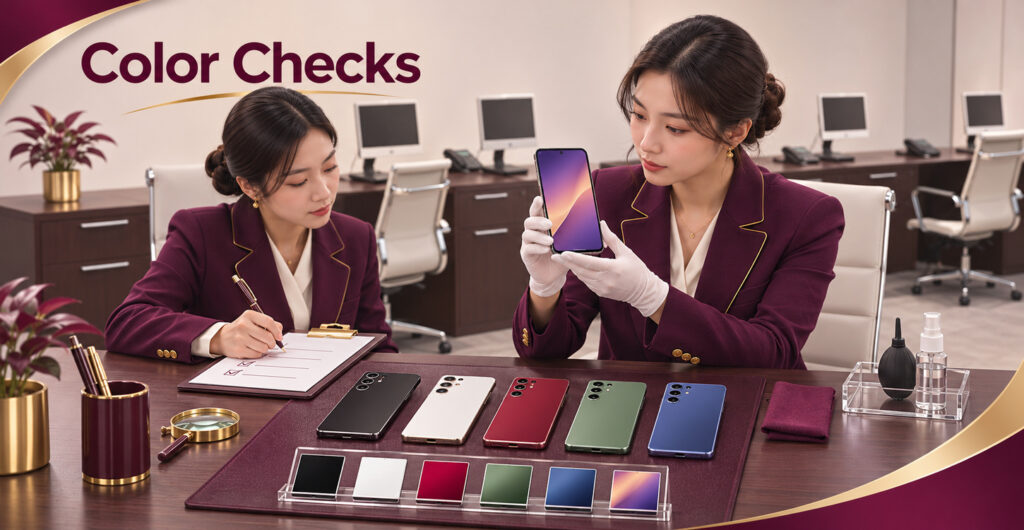
Look for shapes that match fixed interface elements, such as a bar, icon row or keyboard outline. If a shape appears on several images in the same place, note it.
Step 3: Separating Burn-In From Image Retention

In a used Samsung OLED burn in test, run the image set twice. Show a neutral gray screen for a few minutes between runs, then repeat. A ghost that fades is likely temporary. A shape that stays in the same place after the rest period is likely lasting, and the unit should be held or rejected under your rules.
This is a practical screening method, not a lab measurement. If a result is unclear, send the unit for professional assessment before you accept or reject it.
Used Galaxy Screen Uniformity: What to Record

Used Galaxy screen uniformity covers more than burn-in. Record these findings for every unit, on the same form:
- Tint or color shift in one area of the screen.
- Dim or bright patches on white and gray.
- Banding on the gradient.
- Lines, dead pixels or flicker.
- Touch response across the full screen.
Add photos taken under standard conditions, labeled by unit and image.
Grading a Used Samsung OLED Burn In Test: Pass, Hold or Reject

The table below is an example. Adjust it to your own standards and repair records.
| Finding | Suggested grade |
|---|---|
| Even screen on all test images | Pass |
| Faint ghost that fades after rest | Pass or hold |
| Faint shape that stays after rest | Hold, require second review |
| Clear lasting shape on gray or white | Reject or reprice |
| Lines, dead areas or strong tint | Reject or reprice |
| Result differs between two reviewers | Hold, require assessment |
Use two reviewers for any hold, and send disagreements to assessment.
Using Repair Records in a Used Samsung OLED Burn In Test
Your own SKU transaction and repair records show what a screen replacement costs and how often units come back with display complaints. For each model, compare that cost with the margin on the unit. In a used Samsung OLED burn in test, the reject line should sit where a screen repair would remove the profit. Display details and support vary by model, so check Samsung’s official model information for each device rather than treating all Galaxy screens alike.
For a general checklist covering batteries, ports, locks and cosmetics, see our Quality Control guides. This article covers only the screen test.
Checklist for a Used Samsung OLED Burn In Test

- Brightness, lighting and viewing setup fixed and written down.
- Same test image set shown to every unit.
- Image set repeated after a rest period.
- Findings recorded on the same form for every unit.
- Photos taken under standard conditions and labeled.
- Two reviewers for every hold.
Quick Answers
Is a faint ghost image always burn-in in a used Samsung OLED burn in test? No. Repeat the test after a rest period to see whether it fades.
Can seller photos decide a used Samsung OLED burn in test? No. Use them as supporting records only.
Plan Your Next Samsung Screen Order
A used Samsung OLED burn in test works best when the images, conditions and grading rules are agreed before shipment. Browse our Used Samsung Phones Wholesale range, then Send RFQ with your target models, grades, quantities and destination market.